


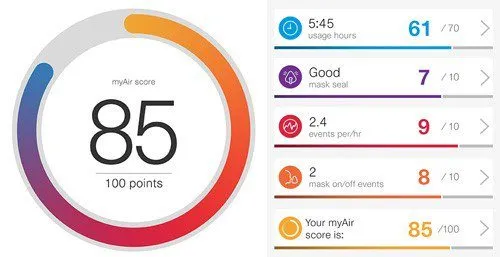
Puzzled on how to generate reports from your CPAP device? This blog will guide you end to end.
Most of the modern CPAP equipments comes with mobile applications which enables the users to see basic report parameters on the mobile app iteslef however there might be a need for a details PDF report specially when you are going for a follow-up with a sleep expert. This is the most common questions that we receive at respbuy on how to generate the reports from the memory card supplied with device.
In this post, we shall be trying to summarize the steps for generating the report using an open source software OSCAR, the Open Source CPAP Analysis Reporter.
If you are at the stage of trying therapy and live in Delhi NCR, you can rent a CPAP machine from Respbuy before investing.
To generate a report from a CPAP (Continuous Positive Airway Pressure) device, follow these general steps:
- Download & install the OSCAR software from this LINK
- Retrieve data: Most modern CPAP devices are equipped with data recording capabilities. Typically, they store data on an SD card. Remove the SD card and put it in your laptop or computer.
- Launch the software: Open the software that you installed in Step 1. It should recognize the connected CPAP device and display options to import or retrieve data.
- Import data: Use the software to import the data from the CPAP device. This may involve selecting the appropriate device, choosing a date range, or following any other prompts provided by the software.
- Generate the report: Once the data is imported, the software should provide options to generate reports or view the recorded data. Explore the software interface to find the report generation feature.
- Customize report settings: Depending on the software, you may have options to customize the report format, such as selecting specific data parameters, time frames, or generating summary statistics.
- Generate the report: Follow the prompts or click the appropriate buttons within the software to generate the report. The software will process the data and generate a report based on your settings.
- Review and save the report: Once the report is generated, review it to ensure the information is accurate and complete. Save the report to a desired location on your computer or print a physical copy if needed.
Watch the video below to see detailed step by step guide on how to use OSCAR software to generate report from most of the CPAP devices.
https://youtu.be/YCB1hbYF6WgBuy Accessories for your CPAP or BIPAP
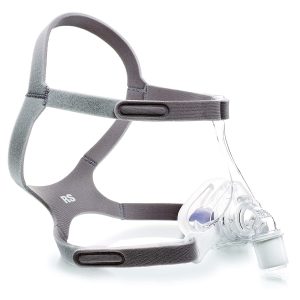
Masks
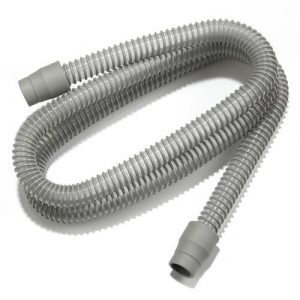
Hose Pipes & Tubes
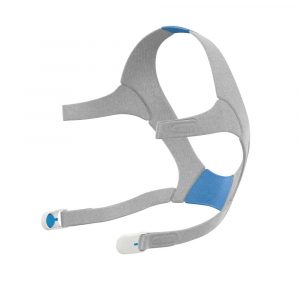
Frames & Headgear
Mask Cushions
